
A lot of work is won or lost on WhatsApp, in South Africa and far beyond it. The client sends a photo and asks "how much?", and whoever answers clearly and quickly usually gets the job. A voice note with a rough number is quick, but it is easy to forget and hard to say yes to.
Answer quickly
People ask more than one business. If you can, send the quote the same day, while they are still deciding. If you need to see the job first, say so straight away and offer a time.
Send a proper quote, not just a number
A quote the client can open, read and forward to whoever pays looks professional and avoids arguments later. Include:
- your business name and contact details, and your VAT or tax number if you are registered;
- the client's name and the job address;
- the date, and how long the price is valid;
- each item on its own line, in words the client understands, with quantities;
- what is included and what is not, such as call-out fees, parts or travel;
- the total, with any tax shown separately;
- your deposit and payment terms.
Only charge VAT if you are registered
In South Africa, if you are VAT-registered, show VAT at 15% and the total including VAT; if you are not registered, do not add VAT. Outside South Africa, follow your own country's VAT or sales tax rules in the same way: show it clearly, and only charge it if you must.
Offer a choice where it makes sense
Repair or replace. Standard or premium. Two clear options let the client choose between your prices instead of comparing you with someone else.
Add photos
A photo of the problem, or of similar work you have done, answers questions before they are asked and shows you know the job.
Make saying yes easy
End with one clear next step: tap to accept, pay the deposit and pick a date. The fewer messages it takes, the more quotes turn into jobs.
Follow up once, politely
If you have not heard back in a couple of days, a short message asking whether they have any questions is enough. A client who went quiet has often just been busy.
Keep the record
When the quote is accepted, turn it into the job and then the invoice without typing it all again. That is where mistakes and forgotten extras creep in.
How SilverLion handles it
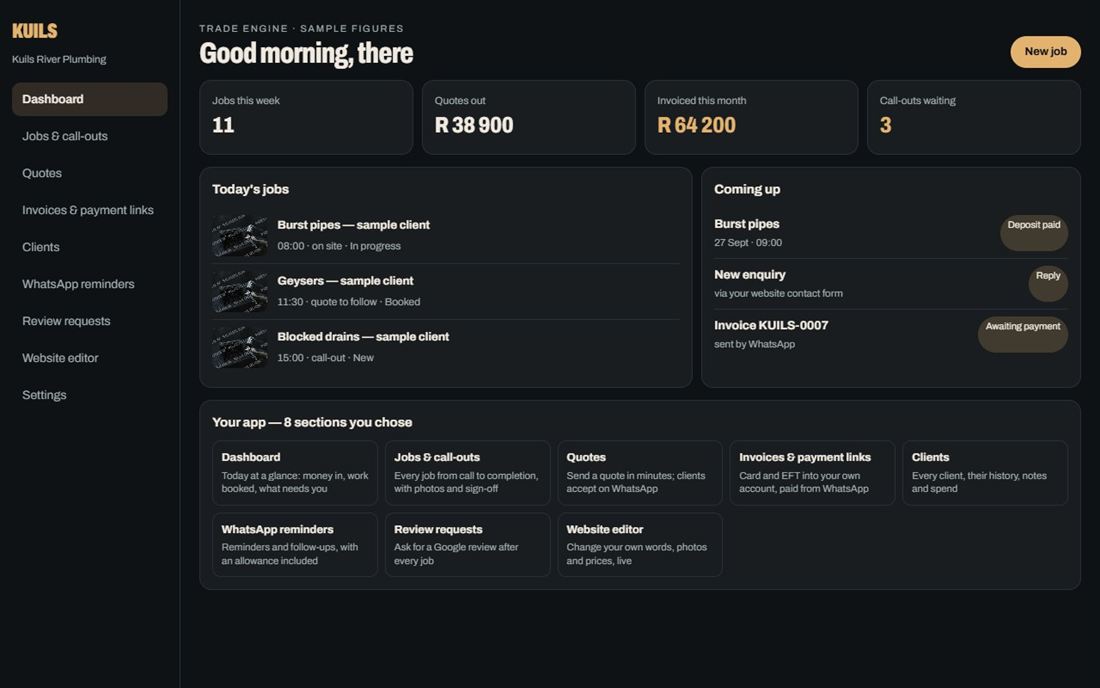
The Quotes module in the app puts your items on a proper quote with VAT, sends it as a WhatsApp link and lets the client accept it online. It then carries through to the invoice and a payment link. See the trade and service engines, or build your site first.